
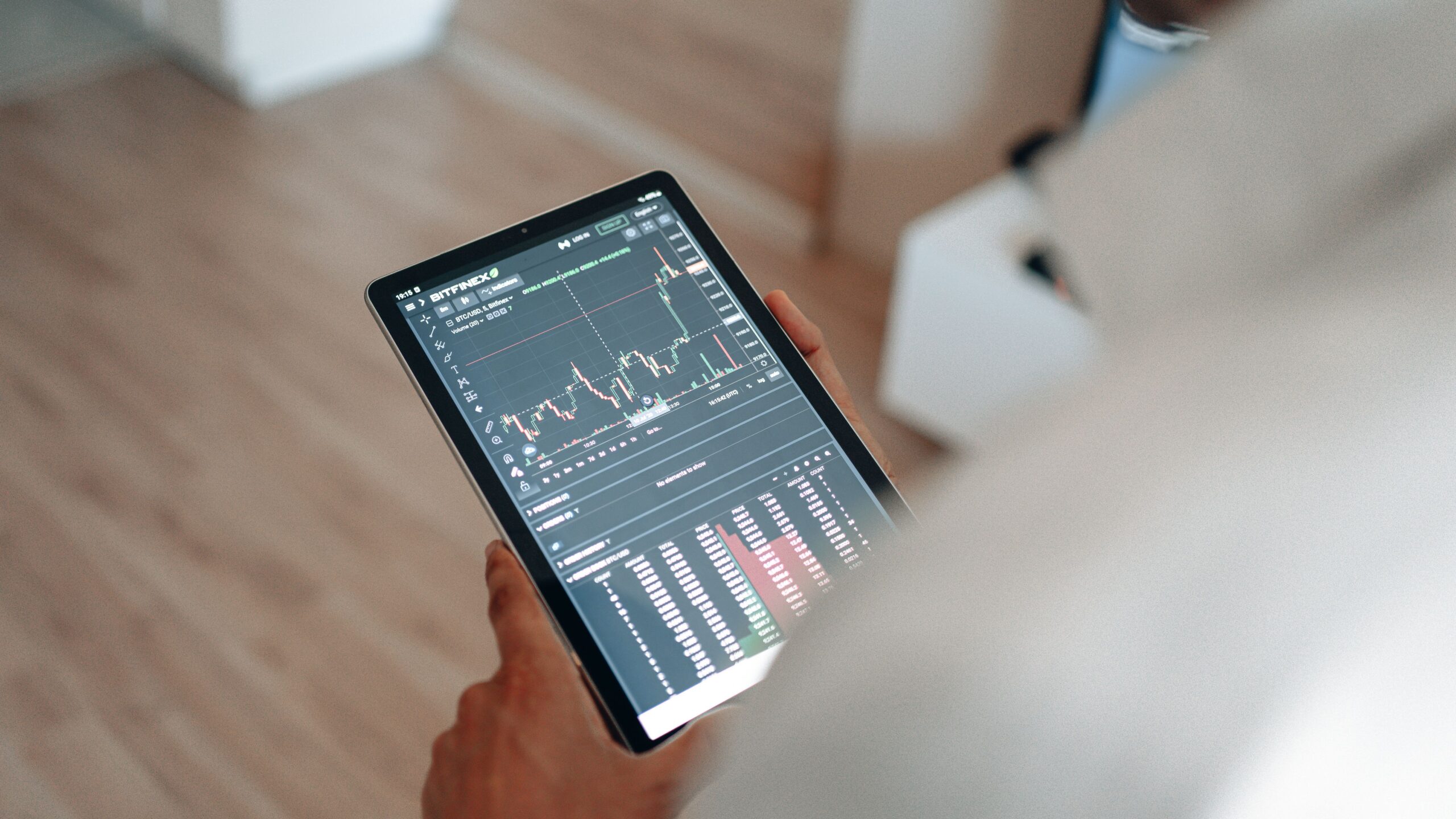
Choosing the best trading analytics software in 2026 can help traders understand performance, manage risk, and make better-informed decisions. Modern trading tools offer portfolio tracking, advanced charting, trade journals, backtesting, and automated reports. However, the best platform depends on your trading style, investment goals, and budget.
Some platforms focus on technical analysis and market research. Others specialize in reviewing completed trades or monitoring multiple brokerage accounts. Therefore, comparing trading analytics software pricing, features, and subscription plans is essential before paying for a service.
This guide compares popular trading analysis platforms, explains the features that matter most, and shows how to choose software that fits your portfolio. Whether you trade stocks, forex, options, futures, or cryptocurrency, the right analytics tools can help you evaluate decisions more consistently.
What Is Trading Analytics Software?
Trading analytics software collects, organizes, and analyzes market or trading data. It helps users evaluate price movements, review trade history, measure portfolio performance, and identify potential weaknesses in their strategies.
Depending on the platform, features may include interactive charts, technical indicators, performance dashboards, trade journaling, portfolio allocation reports, and historical strategy testing.
For example, an active trader might use charting software to identify potential entry points. An investor with several accounts might prefer portfolio analytics that reveal asset allocation and overall exposure. A day trader may benefit more from a detailed journal that tracks win rates, average losses, and execution quality.
Importantly, analytics software does not guarantee profits. Its value comes from helping users evaluate evidence, understand risk, and follow a consistent process.
Best Trading Analytics Software in 2026: Top Platforms Compared
The following platforms serve different purposes. Compare their capabilities before deciding which subscription offers the best value for your needs.
1. TradingView: Best for Charts and Technical Analysis
TradingView is a popular choice for traders who need interactive charts, technical indicators, watchlists, and market alerts. It supports research across multiple asset classes, subject to available market data and instruments.
Its charting tools help users study price trends, identify technical patterns, and develop trading ideas. More advanced plans provide additional charts, indicators, alerts, and analytical capabilities.
Key features:
- Interactive charts and technical indicators.
- Custom watchlists and price alerts.
- Historical chart replay and data export options.
- Custom indicators and community-developed scripts.
Pricing: TradingView offers free access and paid subscriptions. Its official pricing page lists Essential at $12.95 per month, Plus at $29.95, Premium at $59.95, and Ultimate at $199.95 when billed annually at the displayed monthly rate. Promotions, regional pricing, and eligibility requirements may affect the final cost.
Best for: Technical traders, market researchers, and investors who want flexible charting tools.
2. TradeZella: Best for Trade Journaling and Performance Review
TradeZella focuses on trade journaling, performance analytics, and strategy review. It helps traders organize their activity and examine patterns across trades, strategies, and trading accounts.
Its features include automated trade imports for supported integrations, performance reports, trade replay, and AI-assisted insights on eligible plans. These tools can help users identify repeated mistakes and assess whether their strategies follow established rules.
Key features:
- Trade journals and performance dashboards.
- Supported broker and trading-account integrations.
- Trade replay and strategy analysis.
- AI-assisted reports and backtesting features on eligible plans.
Pricing: TradeZella lists Essential at $35 per month, Pro at $59, and Ultra at $99. Annual billing is listed at $315, $531, and $891 respectively, with the monthly equivalent depending on the plan.
Best for: Active traders who want structured performance reviews and detailed trading records.
3. TraderSync: Best for Multi-Account Trade Analytics
TraderSync combines trade journaling, analytics, strategy planning, and review tools. It is useful for traders who want to understand performance across different accounts and asset classes.
Depending on the subscription, users can access trade imports, custom tags, advanced filters, AI-assisted analysis, and market replay. Higher-tier plans offer additional account capacity and more advanced review features.
Key features:
- Trading performance statistics and reports.
- Trade imports and multi-account tracking.
- Strategy planning and custom trade tags.
- Replay and AI-assisted tools on eligible plans.
Pricing: TraderSync’s displayed promotional monthly equivalents are approximately $22.46 for Pro, $37.46 for Premium, and $59.96 for Elite with annual billing. Regular monthly rates displayed on its pricing page are higher. Check the official page for current terms.
Best for: Traders who need detailed records, flexible filters, and cross-account performance analysis.
4. Tradesync: Best for Monitoring Supported Trading Accounts
Tradesync offers account monitoring and analysis for supported trading environments, including MetaTrader accounts. It can be useful for users who want to review account statistics and monitor equity without relying entirely on manual reports.
Its account-based pricing structure allows customers to choose between different account types. Available functionality depends on the selected account and integration.
Key features:
- Supported account monitoring.
- Trading statistics and account analysis.
- Equity monitoring.
- Additional account-management functionality.
Pricing: The official pricing page lists read-only accounts at $6 per month per account and full accounts at $12 per month per account. Confirm the latest terms and the features included in each account type before subscribing.
Best for: Traders who prioritize supported account monitoring and account-level analysis.
Trading Analytics Software Comparison Table
Pricing reflects publicly displayed information checked in October 2026. Prices, discounts, taxes, data fees, and feature availability can change. Verify the latest details on each provider’s official website.
Essential Features to Compare Before Buying
1. Portfolio Tracking and Performance Reports
Strong portfolio analytics tools help users evaluate returns, allocation, and exposure across their investments. Look for reports that separate realized gains from unrealized gains and account for deposits, withdrawals, and relevant trading costs.
For a multi-asset portfolio, check whether the platform supports your preferred markets and currencies. Also, confirm whether it can import data from your broker or requires manual entry.
2. Risk Management and Drawdown Analysis
Risk management is an essential part of trading. Look for tools that calculate position sizes, track drawdowns, measure exposure, and review stop-loss discipline.
Maximum drawdown measures the decline from a portfolio peak to a subsequent trough during a particular period. This metric can help you understand the severity of historical losses. However, past drawdowns do not establish the maximum loss you could experience in the future.
3. Backtesting and Strategy Validation
Trading strategy backtesting software evaluates a set of trading rules against historical market data. It can help you determine how a strategy would have performed under specified assumptions.
Choose tools that clearly document their data sources and testing assumptions. Include realistic transaction costs, spreads, slippage, and liquidity constraints when possible. Otherwise, historical results may look stronger than actual trading performance.
4. Automation and Broker Integrations
Automated imports reduce manual data entry and can make trade records more consistent. Before connecting an account, confirm that the software supports your broker, exchange, or trading platform.
Review permissions carefully. Prefer integrations that request only the access needed for analytics. Read the provider’s privacy policy and understand how it stores and protects your financial information.
5. Reporting, Alerts, and Data Export
Clear reports make it easier to compare performance across strategies and time periods. Useful features include customizable dashboards, filters, alerts, and downloadable records.
Data export is particularly important if you change software later. Check whether you can download your trade history and reports in a usable format before committing to a long subscription.
How Much Does Trading Analytics Software Cost in 2026?
The cost of trading analytics software depends on the features you need. Basic charting may be available for free, while advanced journals, account integrations, and professional analytics can require monthly or annual subscriptions.
Consider three general budget levels:
- Free or low-cost tools: Suitable for basic charting, watchlists, and simple performance tracking.
- Mid-range subscriptions: Often appropriate for individual traders who need advanced charts, trade journals, and more detailed reports.
- Premium analytics platforms: May offer extensive account support, sophisticated replay tools, advanced testing, and AI-assisted analysis.
Do not compare subscriptions by price alone. Calculate the total annual cost, including market-data subscriptions, broker commissions, taxes, and any integration fees. A discounted annual plan may save money, but only if you expect to use the service throughout the year.
How to Choose the Best Trading Analytics Software for Your Strategy
For Stock and ETF Traders
Prioritize charting, watchlists, alerts, and portfolio tracking. If you invest for the long term, you may also need allocation reports and a clear record of dividends and transaction costs. Check whether the software supports the specific brokers and securities you use.
For Day Traders and Swing Traders
Look for detailed trade journals, execution reports, historical replay, and strategy filters. These features can help you determine whether your results vary by time of day, market condition, setup, or trade duration.
For Forex and Cryptocurrency Traders
Verify asset support, time-zone handling, exchange integrations, and currency conversion. For leveraged products, prioritize exposure monitoring and drawdown analysis. Do not assume that a platform supporting one market automatically supports every broker or instrument in that market.
For Advanced and Algorithmic Traders
Consider historical data quality, API access, scripting, backtesting flexibility, and the ability to model transaction costs. Technical users may also need exportable data and reproducible test results.
Ways to Get More Value from Trading Analytics Tools
Buying software is only the first step. To benefit from analytics, establish a consistent review process and use the same core measurements over time.
- Define your goals. Decide whether you want to improve execution, control drawdowns, evaluate a strategy, or monitor a portfolio.
- Record every trade. Include entry and exit prices, position size, costs, and the reason for each decision.
- Review performance weekly. Examine winning and losing trades instead of focusing only on total profit.
- Test changes carefully. Use historical testing and, where appropriate, paper trading before risking additional capital.
- Measure results after costs. Include commissions, spreads, slippage, and relevant financing expenses.
This disciplined approach can also support broader financial goals. For example, investors building passive income may use portfolio reports to monitor diversification and cash flow. However, trading analytics is different from operating an online business. Topics such as affiliate marketing, affiliate vs dropshipping, and a dropshipping business involve separate business models and should not be treated as trading strategies.
Common Mistakes to Avoid When Buying Trading Software
One common mistake is paying for advanced features that you rarely use. A complicated dashboard cannot improve results if you do not understand its metrics or review its reports consistently.
Another mistake is trusting attractive backtesting results without checking the assumptions. Overfitting, poor data quality, and unrealistic transaction costs can make a strategy appear more reliable than it is.
Finally, avoid assuming that AI-generated signals or performance forecasts guarantee profitable trades. Treat automated insights as information to evaluate, not instructions to follow blindly. Protect your account credentials and review the platform’s data security practices before connecting financial accounts.
Is Trading Analytics Software Worth the Investment?
Trading analytics software can be worth the cost when it solves a specific problem. A trader who frequently reviews hundreds of trades may benefit from automated reporting. An investor with several accounts may value consolidated portfolio tracking. Someone who needs only basic charts may be satisfied with a free plan.
Before purchasing, identify the features you will use regularly, test available free access or trials, and compare the annual subscription cost with your budget. Do not assume that more expensive software produces better investment returns.
Final Verdict: Best Trading Analytics Software in 2026
The best trading analytics software in 2026 depends on your objectives. TradingView is a strong option for charting and technical research. TradeZella and TraderSync are worth comparing for trade journaling and performance analysis. Tradesync may suit users who need supported trading-account monitoring.
Start with your primary requirement, compare the available plans, and verify broker compatibility before subscribing. Most importantly, use analytics to improve your decision-making process rather than to predict guaranteed profits. The right software should make your trading activity easier to understand, your risks more visible, and your performance reviews more consistent.
Disclaimer: This article is for educational and informational purposes only. It is not financial, investment, or trading advice. Trading involves risk, and you may lose some or all of your invested capital. Research each provider independently before purchasing software or making financial decisions.