
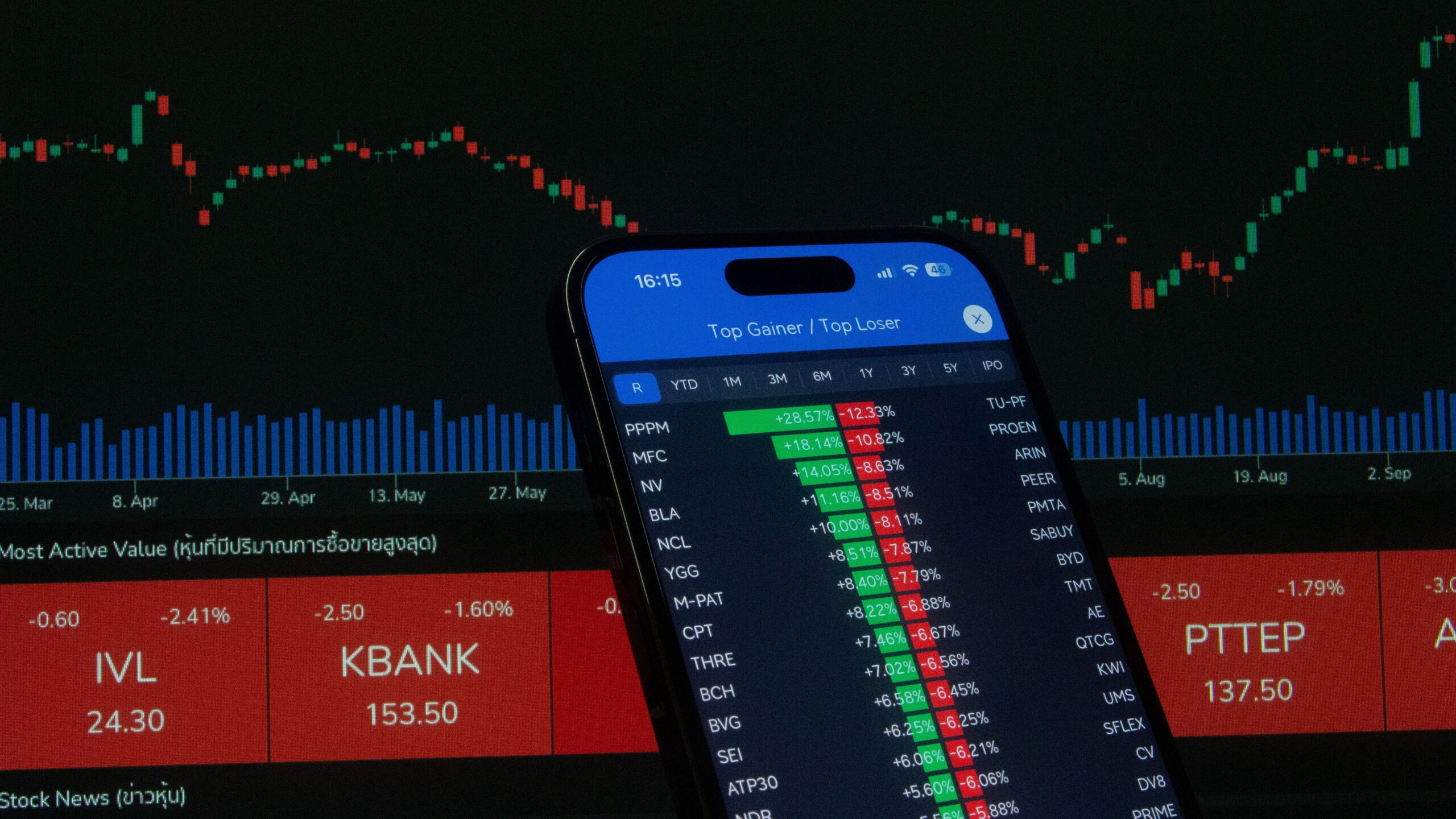
The best automated trading platforms in 2026 help traders execute predefined strategies, monitor markets, and manage orders with less manual intervention. These tools can support stock trading, forex, futures, options, and cryptocurrency strategies. However, the right platform depends on your experience, trading capital, technical skills, and risk tolerance.
Automated trading software can save time and improve consistency. Nevertheless, automation does not guarantee profits. Subscription fees, commissions, market volatility, and execution quality can all affect your results. Therefore, comparing automated trading software costs, features, and potential return on investment (ROI) is essential before choosing a provider.
This guide compares popular trading platforms, explains common pricing models, and shows how to evaluate profitability. It also provides a practical checklist for selecting software that fits your trading goals.
What Is Automated Trading Software?
Automated trading software uses programmed rules, algorithms, or trading signals to identify opportunities and execute orders. Depending on the platform, users can create custom strategies, connect broker accounts, configure alerts, or deploy ready-made trading systems.
For example, a trader might program a system to buy when a short-term moving average crosses above a longer-term average. The software can monitor the market and submit orders when the specified conditions occur.
Most systems offer some combination of backtesting, technical indicators, risk controls, and automated order execution. More advanced solutions may support APIs, portfolio management, and multiple asset classes.
Importantly, traders should distinguish between automated execution and automated decision-making. Some platforms execute rules created by users. Others provide strategy builders or algorithmic tools. Neither approach removes the possibility of losses.
Best Automated Trading Platforms in 2026
1. Interactive Brokers: Best for Multi-Asset Trading and API Automation
Interactive Brokers is worth considering for traders who need access to multiple financial markets and programmable trading tools. Its API ecosystem can support custom applications, market-data workflows, and algorithmic order execution.
The platform may suit experienced traders, developers, and investors who want to connect their own strategies to brokerage services. Its pricing depends on the market, product, account structure, and commission plan.
Key features:
- Access to multiple global markets and asset classes.
- APIs for custom trading applications.
- Advanced order types and portfolio tools.
- Fixed and tiered commission structures for eligible products.
Cost considerations: Interactive Brokers offers different pricing arrangements. For example, its published U.S. stock pricing includes commission-free eligible trades under IBKR Lite and per-share commissions under IBKR Pro. Other markets and products have different fees.
Review the official Interactive Brokers commission schedule before estimating your total trading costs.
Best for: Experienced traders seeking broker connectivity, global market access, and customizable automation.
2. TradeStation: Best for Strategy Development and Backtesting
TradeStation offers advanced charting, strategy development, and tools for testing trading ideas. Its EasyLanguage environment helps users develop custom indicators and trading strategies without building every component from scratch.
Traders can evaluate historical performance before deciding whether a strategy deserves further testing. This makes the platform useful for systematic traders who want to refine entry rules, exits, and risk management.
Key features:
- Custom indicators and strategy development.
- Historical backtesting tools.
- Market scanning and advanced charting.
- Tools for stocks, options, and futures, subject to account and product availability.
Cost considerations: TradeStation’s published analytics pricing has listed subscriptions starting at approximately $99 per month for eligible non-brokerage users, with professional subscriber pricing potentially higher. Brokerage customers may have different platform-access arrangements. Additional market-data and transaction charges can apply.
Check the official TradeStation pricing page for current fees and eligibility requirements.
Best for: Active traders who want to design, test, and refine rule-based strategies.
3. TradingView: Best for Chart-Based Strategies and Alerts
TradingView is popular for charting, technical analysis, community indicators, and custom scripts written in Pine Script. Traders can use it to develop strategy concepts, test historical results, and configure alerts.
Depending on the broker integration and setup, alerts can form part of an automated workflow. However, a TradingView alert alone does not necessarily execute a live trade. Automatic execution may require a supported broker integration or a separate execution service.
Key features:
- Interactive charts and technical indicators.
- Custom scripts and strategy testing.
- Price alerts and configurable notifications.
- Web, desktop, and mobile access.
Cost considerations: TradingView offers multiple subscription levels. Its official pricing page has listed the Essential plan at $12.95 per month when billed annually in a recent published offer. Prices, promotions, and feature limits can change.
Compare the latest TradingView subscription plans before purchasing. Also account for any separate automation or broker fees.
Best for: Traders who prioritize technical analysis, custom indicators, and chart-based strategy development.
4. MetaTrader 5: Best for Forex and Multi-Asset Algorithmic Trading
MetaTrader 5 (MT5) is a widely used platform for algorithmic trading, especially in forex and contracts for difference (CFDs), depending on the broker. Its Expert Advisors can automate trading rules, while its testing tools help users assess strategy performance.
MT5 supports the MQL5 programming language. Traders can develop their own systems or evaluate third-party tools. However, broker availability, supported assets, spreads, and execution conditions vary.
Key features:
- Expert Advisors for automated trading.
- Historical strategy testing and optimization.
- Technical indicators and charting tools.
- Broker-dependent access to supported markets.
Cost considerations: The platform itself may be available without a separate software subscription through participating brokers. Nevertheless, trading costs may include spreads, commissions, swaps, VPS hosting, or paid Expert Advisors.
Visit the official MetaTrader 5 website to explore its features. Confirm the broker’s regulatory status and complete fee schedule before opening an account.
Best for: Forex traders and algorithmic traders comfortable with Expert Advisors or custom programming.
5. NinjaTrader: Best for Futures Strategy Automation
NinjaTrader is a platform to evaluate if your strategy focuses on futures trading. Its charting, strategy-development, and market-analysis capabilities can help active traders test ideas and automate parts of their workflow.
The platform is particularly relevant to users who want to build structured futures strategies and monitor execution. However, futures involve leverage and can produce substantial losses in a short period.
Key features:
- Advanced futures charting and market analysis.
- Strategy development and historical testing.
- Order-management tools.
- Options for different account and platform arrangements.
Cost considerations: Your total cost may depend on the selected plan, commission structure, market-data package, and exchange fees. Compare the available arrangements against your expected trading volume.
Start with the official NinjaTrader website for platform details and current pricing.
Best for: Futures traders who need specialized charting, testing, and trading tools.
Automated Trading Platforms Compared
The following table summarizes the main strengths of these providers. It is a practical starting point rather than a performance ranking. Features and costs depend on your account, broker, subscription, and intended market.
| Platform | Main Strength | Automation Approach | Primary Cost Factors |
|---|---|---|---|
| Interactive Brokers | Multi-asset access | APIs and custom systems | Commissions, data, exchange fees |
| TradeStation | Strategy development | Custom rules and testing | Platform access, data, trading fees |
| TradingView | Charting and alerts | Scripts and integrations | Subscriptions and execution services |
| MetaTrader 5 | Forex algorithms | Expert Advisors | Spreads, commissions, hosting |
| NinjaTrader | Futures trading | Strategy tools and automation | Plan fees, commissions, market data |
How Much Does Automated Trading Software Cost in 2026?
The cost of automated trading software varies significantly. Some platforms provide basic tools without a separate subscription. Others charge monthly fees for advanced charting, data, or strategy development.
Consider five main expense categories before committing to a platform.
1. Software Subscription Fees
Paid subscriptions may unlock advanced indicators, more alerts, strategy testing, or additional data features. Calculate the annual cost rather than focusing only on the monthly payment.
For example, a $50 monthly subscription costs $600 per year before other expenses.
2. Brokerage Commissions and Spreads
Each executed trade may incur commissions, spreads, exchange fees, or regulatory charges. High-frequency strategies can generate substantial cumulative expenses even when individual trades appear inexpensive.
3. Market Data and Connectivity
Some traders need real-time exchange data or specialized feeds. Custom systems may also require API access, cloud infrastructure, or a virtual private server (VPS).
4. Strategy Development and Maintenance
Custom coding, paid indicators, third-party bots, and technical support can increase your total cost. You should also budget time for testing and maintenance.
5. Funding and Financing Costs
Margin interest, overnight financing, currency conversion, and futures-related expenses can affect net returns. Check the applicable terms before using leverage.
How to Calculate Automated Trading ROI
Return on investment (ROI) measures the gain or loss relative to the capital invested. For automated trading, calculate returns after accounting for trading expenses and software costs.
A simplified formula is:
Net ROI = (Net Trading Profit After Costs ÷ Capital Invested) × 100
Suppose you allocate $10,000 to a trading strategy. It generates $800 in gains before expenses during a defined period. Commissions, data, and software cost $250.
- Initial trading capital: $10,000
- Gross trading gain: $800
- Total expenses: $250
- Net gain: $550
- Net ROI: 5.5%
This example is illustrative, not a forecast. It excludes taxes and assumes no other gains or losses. Actual results may be negative, and a single profitable period does not establish long-term performance.
When comparing systems, also examine maximum drawdown, average trade profit, win rate, risk-adjusted returns, and the number of trades. A strategy with impressive gross returns may perform poorly after fees and slippage.
How to Choose the Best Automated Trading Platform
Match the Platform to Your Market
First, identify the assets you want to trade. Forex traders may prioritize Expert Advisors, while futures traders may need specialized order tools. Stock traders may prefer broad market access and reliable broker APIs.
Test Before Using Real Money
Use historical backtesting and paper trading to evaluate your strategy. Include realistic commissions, spreads, slippage, and execution delays. Then test the system on data that was not used to develop it.
Review Security and Broker Reliability
Choose established providers and verify relevant regulatory information. Protect API credentials, use restricted permissions where available, and avoid granting withdrawal access to third-party bots unless it is essential and appropriately secured.
Compare Total Ownership Costs
Do not choose software based on its subscription price alone. Estimate the annual cost of platform access, data, commissions, hosting, and maintenance. A more expensive tool may be worthwhile if its additional capabilities support your actual needs. However, higher prices do not guarantee better returns.
Common Automated Trading Mistakes to Avoid
Automation can improve consistency, but it can also execute mistakes rapidly. Avoid these common problems:
- Overfitting: A strategy may fit historical data but fail in live markets.
- Ignoring transaction costs: Small costs can erase a strategy’s expected advantage.
- Using excessive leverage: Leverage can magnify losses and trigger forced liquidation.
- Trusting profit guarantees: No legitimate platform can guarantee consistent trading profits.
- Skipping monitoring: Technical failures, market gaps, and unexpected volatility can disrupt automation.
Set position limits, maximum-loss rules, and emergency shutdown procedures. Review live performance regularly. If results differ sharply from testing, pause the system and investigate before resuming.
Is Automated Trading a Reliable Source of Passive Income?
Automated trading is sometimes promoted as passive income, but that description can be misleading. Systems still require monitoring, risk management, updates, and periodic evaluation. Trading losses can also exceed expectations.
Automation differs from building an online business around services, content, or products. For example, affiliate marketing may generate commissions when content attracts qualified visitors. A dropshipping business may earn revenue from product sales, while affiliate vs dropshipping comparisons focus on their different operating costs, margins, and business models.
These models have their own risks and workloads. None guarantees income. Choose an approach based on your skills, available time, capital, and ability to absorb losses rather than marketing promises.
Final Verdict: Which Automated Trading Platform Is Best in 2026?
The best automated trading platform in 2026 is the one that supports your strategy, provides reliable execution, and keeps total costs manageable. Interactive Brokers is worth evaluating for multi-asset access and API-based systems. TradeStation suits traders focused on custom strategies and backtesting. TradingView offers strong charting and alert tools, while MetaTrader 5 is relevant to forex automation. NinjaTrader is a useful candidate for futures-focused traders.
Before choosing, compare subscription fees, broker charges, market-data costs, testing tools, and security controls. Then test your strategy with realistic assumptions and paper trading. Measure net performance instead of relying on advertised returns.
Most importantly, treat automated trading as a risk-managed activity rather than guaranteed income. The software can execute your rules, but it cannot eliminate uncertainty or ensure profitability.
Financial disclaimer: This article is for educational and informational purposes only. It is not financial, investment, or trading advice. Trading can result in substantial losses, including losses greater than your initial deposit when using certain leveraged products. Research providers carefully and consider seeking advice from a qualified financial professional.