
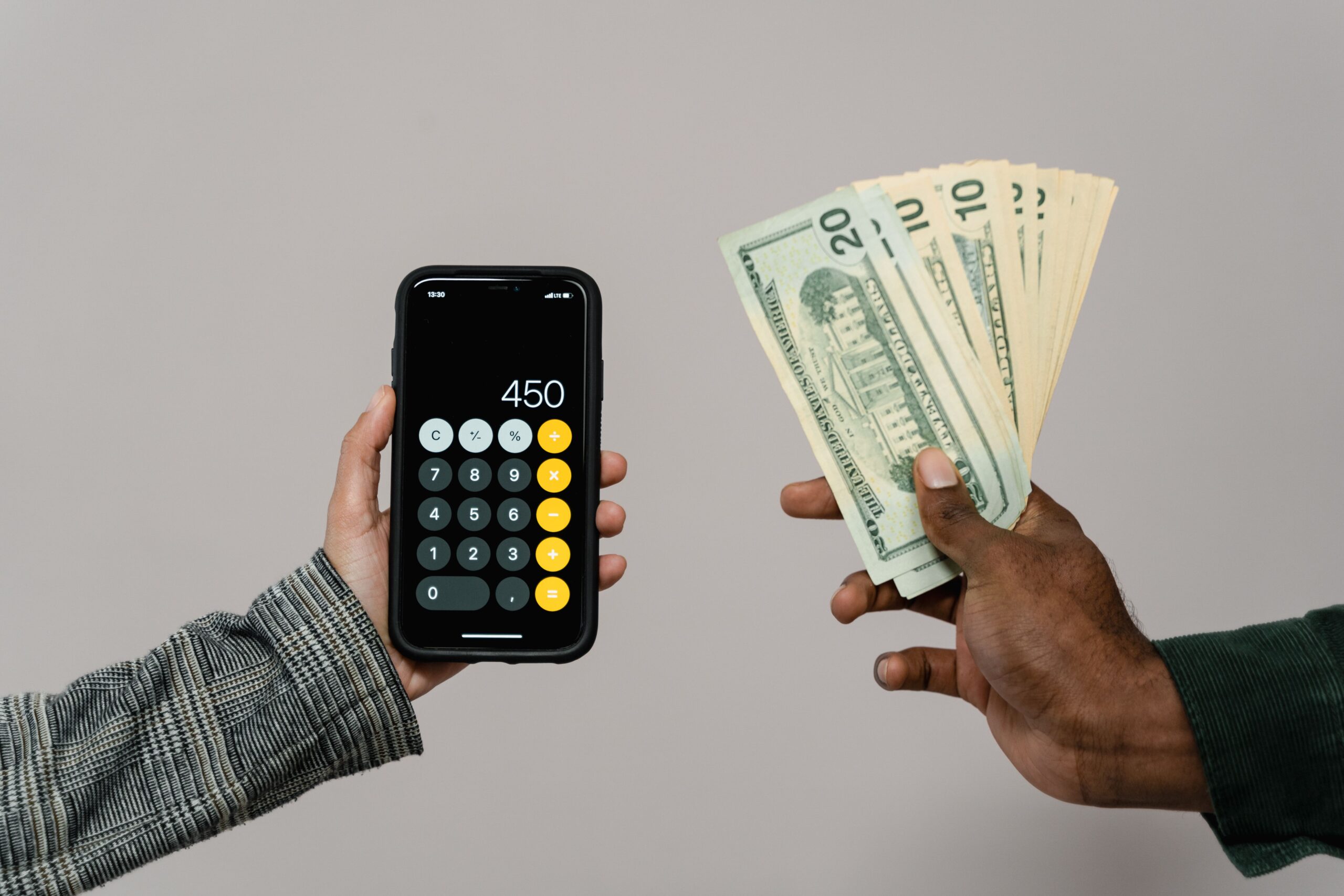
Managing money is easier when you know exactly where it goes. However, rising living costs, recurring subscriptions, credit card payments, and unexpected expenses can make budgeting difficult. The best budgeting apps in 2026 help you track spending, organize bills, set savings goals, and make better financial decisions.
Whether you want a free expense tracker or a premium personal finance app, the right tool can simplify your daily money management. Some apps automatically connect to financial accounts. Others use digital envelopes or zero-based budgeting to help you control spending.
In this guide, we compare popular budgeting apps by monthly costs, features, free plans, and money-saving tools. You will also learn how to choose an app that fits your income, spending habits, and financial goals.
Why Use a Budgeting App in 2026?
A budgeting app provides a clearer picture of your financial situation. Instead of tracking every transaction manually, you can organize expenses, monitor cash flow, and review spending patterns in one place.
Many apps also provide alerts for upcoming bills, savings goals, and unusual transactions. These features can help you identify unnecessary expenses before they affect your monthly budget.
For example, suppose you spend $80 each month on subscriptions you rarely use. Cancelling half of them could save $480 annually. An expense tracker can help you discover these opportunities.
Budgeting apps can also support larger goals, including building an emergency fund, paying off credit card debt, saving for a home, and preparing for retirement. However, results depend on your habits and the actions you take.
Best Budgeting Apps in 2026: Quick Comparison
The following table compares popular apps for different budgeting needs. Prices are approximate US-dollar amounts based on publicly available plan information reviewed in October 2026. Promotional offers, taxes, and regional availability may change the final cost.
| Budgeting App | Typical Cost | Best For | Main Features |
|---|---|---|---|
| YNAB | $14.99/month or $109/year | Hands-on budgeting | Zero-based budgets, goals, debt planning |
| Monarch Money | $14.99/month or $99.99/year for Core | Household finances | Budgeting, net worth, reports, shared planning |
| Rocket Money | Free; Premium typically $7–$14/month | Subscription management | Expense tracking, recurring payments, bill tools |
| EveryDollar | Free; Premium plans available | Simple monthly budgets | Zero-based budgeting, spending categories |
| Goodbudget | Free; Premium $10/month or $80/year | Envelope budgeting | Spending envelopes, household budget sharing |
| Quicken Simplifi | Often around $6.99/month when billed annually at standard pricing | Cash-flow planning | Spending plans, recurring bills, reports |
| Empower Personal Dashboard | Free dashboard | Investors and net worth tracking | Financial account overview, investment analysis |
Before subscribing, visit the provider’s official website to confirm current pricing, trial conditions, supported banks, and cancellation terms.
1. YNAB: Best Budgeting App for Taking Control of Spending
You Need a Budget, commonly called YNAB, is designed for people who want to give every available dollar a specific purpose. Its zero-based budgeting method encourages you to assign money to bills, savings, debt payments, and everyday spending.
Key features
- Zero-based budgeting and customizable spending categories.
- Savings goals for emergencies and major purchases.
- Tools for managing debt and planning irregular expenses.
- Bank synchronization with supported financial institutions.
- Educational resources for improving budgeting habits.
YNAB typically costs $14.99 per month or $109 per year. A free trial is available, subject to the provider’s current terms.
Best for: People who want a structured budgeting system rather than a simple record of past transactions.
Potential drawback: The subscription costs more than free alternatives. You must also spend time assigning money and reviewing categories to get the most value.
2. Monarch Money: Best for Household Financial Planning
Monarch Money brings budgeting, savings goals, account balances, and net worth tracking into one financial dashboard. It is particularly useful for households that want a shared view of their financial progress.
Key features
- Custom budgets and spending categories.
- Net worth and investment tracking.
- Savings and debt payoff goals.
- Financial reports and spending insights.
- Shared financial planning features.
The Core plan is listed at approximately $14.99 per month or $99.99 annually. A higher-tier plan may offer additional investment and long-term planning features.
Best for: Couples, families, and individuals who want a detailed overview of their finances.
Potential drawback: There is no permanent free Core plan. Consider whether you will regularly use its reports and account-tracking tools before paying.
3. Rocket Money: Best for Finding Unnecessary Expenses
Rocket Money focuses on spending visibility, recurring payments, and subscription management. It can help you identify forgotten memberships and review recurring bills that may be increasing your monthly expenses.
Key features
- Expense tracking and spending categories.
- Recurring payment and subscription monitoring.
- Budgeting tools and financial summaries.
- Selected bill negotiation services.
- Premium features for additional account management.
Rocket Money offers a free version, while Premium pricing commonly ranges from $7 to $14 per month. Actual prices and available features depend on the current plan.
Best for: People who want to reduce subscription waste and understand where their money goes.
Potential drawback: Some features require a paid subscription. Bill negotiation may involve additional terms or fees, so review the details before using the service.
4. EveryDollar: Best for Simple Zero-Based Budgeting
EveryDollar helps users create a monthly spending plan before the month begins. Its approach is straightforward: assign income to expenses, savings, and financial goals until the entire amount has a purpose.
Key features
- Monthly budget creation.
- Expense categories and spending tracking.
- Debt repayment and savings planning.
- Paid-plan features that may include bank connections.
EveryDollar offers a free version with manual transaction entry. Premium options provide additional tools, and pricing should be checked on the official website.
Best for: Beginners who want a clear, uncomplicated budgeting process.
Potential drawback: Manual tracking takes time. Users who prefer automatic account synchronization may need a paid plan.
5. Goodbudget: Best for Envelope Budgeting
Goodbudget uses the digital envelope method. You divide your available income into categories such as groceries, transportation, rent, entertainment, and savings.
When an envelope reaches its limit, you know that spending more in that category may require adjusting another part of your budget.
Key features
- Digital envelopes for different spending categories.
- Shared household budgets.
- Debt payoff planning.
- Free and paid subscription options.
The free plan has limited envelopes and account features. Premium typically costs $10 per month or $80 annually.
Best for: People who want spending limits and prefer manually reviewing their transactions.
Potential drawback: Manual entry can feel inconvenient if you make many purchases each day.
6. Quicken Simplifi: Best for Cash-Flow Planning
Quicken Simplifi focuses on understanding how much money comes in, how much goes out, and what remains available. It is useful for people who want an overview without managing every dollar through a strict zero-based system.
Key features
- Spending plans and cash-flow monitoring.
- Recurring bill and subscription tracking.
- Financial reports and spending insights.
- Connected-account transaction tracking.
Pricing can vary with introductory offers and annual billing. Check the current subscription price and renewal amount before signing up.
Best for: People who want a relatively simple way to monitor monthly expenses and upcoming financial commitments.
Potential drawback: The introductory price may not remain available after the first subscription period.
7. Empower Personal Dashboard: Best Free Option for Investors
Empower Personal Dashboard provides a broad overview of financial accounts, net worth, and investments. Its free dashboard can be useful for people who want to monitor both everyday finances and long-term financial progress.
Key features
- Financial account aggregation.
- Net worth tracking.
- Investment portfolio analysis.
- Retirement planning tools.
- Financial summaries and reports.
Best for: Investors who want a consolidated financial overview without paying for basic dashboard access.
Potential drawback: It is more focused on financial visibility and investment analysis than detailed, envelope-style spending control. Optional investment services may have separate fees and terms.
How to Choose the Best Budgeting App for Your Needs
The best budgeting app is not necessarily the one with the most features. It is the one that fits your financial habits, offers the tools you need, and remains affordable.
Compare monthly and annual subscription costs
Start by calculating the total annual cost. An app that charges $14.99 per month costs about $179.88 over 12 months. An annual plan priced at $99.99 costs less, provided you are comfortable paying upfront.
However, do not choose an annual plan simply because it offers a discount. Test the app first if a trial is available, and confirm its renewal policy.
Check bank synchronization and security
Automatic account synchronization can save time. However, compatibility varies by bank, country, and account type. Confirm that the app supports your financial institutions before subscribing.
Review its privacy policy, encryption practices, account permissions, and data-sharing terms. Use strong, unique passwords and enable multifactor authentication whenever available.
Choose a budgeting method that matches your habits
Zero-based budgeting works well for people who want a detailed plan for every dollar. Envelope budgeting helps control spending by category. Automated expense tracking suits people who prefer less manual work.
If you share expenses with a partner, prioritize shared access and clear spending reports. If you are paying off debt, look for repayment planning and progress tracking.
How Budgeting Apps Can Help You Save More Money
A budgeting app creates value when you use its information to change financial habits. Start by reviewing your spending for the previous month. Identify expenses that are unnecessary, unusually high, or inconsistent with your priorities.
Next, create realistic limits for groceries, dining, transportation, and entertainment. Set automatic savings transfers when practical, while keeping enough cash available for essential bills.
For example, saving $25 per week adds up to $1,300 over 52 weeks, before interest. Even modest adjustments can support a meaningful financial goal.
Consider using your app to build an emergency fund, pay down high-interest debt, or save for planned expenses. You can also compare recurring bills and review subscriptions every month.
For more guidance, explore our internal guides on improving your credit score, high-yield savings accounts, and building an emergency fund. Replace these example paths with your published WordPress URLs if your site uses different slugs.
Common Budgeting App Mistakes to Avoid
Even the best personal finance app cannot fix every money problem automatically. Avoid these common mistakes:
- Ignoring transactions: Review uncategorized expenses and correct mistakes regularly.
- Setting unrealistic limits: Use actual spending history to create practical categories.
- Paying for unused features: Start with a free option if it meets your needs.
- Forgetting annual expenses: Plan for insurance premiums, taxes, maintenance, and other irregular bills.
- Ignoring privacy settings: Review permissions and understand how your data is used.
- Expecting automatic savings: Use the app’s insights to make decisions and follow through.
Budgeting is a habit, not a one-time task. A short weekly review and a more detailed monthly check can help you stay consistent.
Frequently Asked Questions
What is the best budgeting app in 2026?
YNAB is a strong option for structured, zero-based budgeting. Monarch Money suits users who want household financial tracking, while Rocket Money is useful for reviewing subscriptions and recurring bills. The best choice depends on your goals and budget.
Are free budgeting apps worth using?
Yes. Free options can provide spending categories, manual budgeting, account overviews, or basic financial reports. Empower, the free version of EveryDollar, and the free Goodbudget plan serve different needs. Review feature limits before choosing.
Can budgeting apps help improve a credit score?
Budgeting apps may help you organize bills and plan debt payments. These habits can support better credit management. However, an app does not directly guarantee a higher score. Payment history, credit utilization, account history, and other credit-report factors matter.
Are budgeting apps safe to connect to a bank account?
Many established apps use security controls to protect financial information. However, no service is risk-free. Check the provider’s privacy policy, account-linking method, security features, and data retention terms before connecting accounts.
How much should you spend on a budgeting app?
Start with the lowest-cost option that meets your needs. A paid app may be worthwhile if its features help you save more than the subscription costs. However, a free spreadsheet or manual budget may be sufficient for simple finances.
Final Verdict: Which Budgeting App Should You Choose?
The best budgeting apps in 2026 offer different ways to manage expenses, plan savings, and understand your financial position. YNAB is worth considering for hands-on budgeting, Monarch Money for household financial planning, and Rocket Money for subscription management.
EveryDollar and Goodbudget offer accessible starting points for people who prefer manual budgeting. Quicken Simplifi provides cash-flow tools, while Empower is useful for tracking investments and net worth.
Before paying, compare subscription costs, supported accounts, privacy policies, and cancellation terms. Choose one app, set realistic financial goals, and review your progress every week. Consistent use matters more than having the most expensive software.
Ultimately, a budgeting app should make your financial life simpler. The right choice can help you spend intentionally, save consistently, and make progress toward long-term financial security.